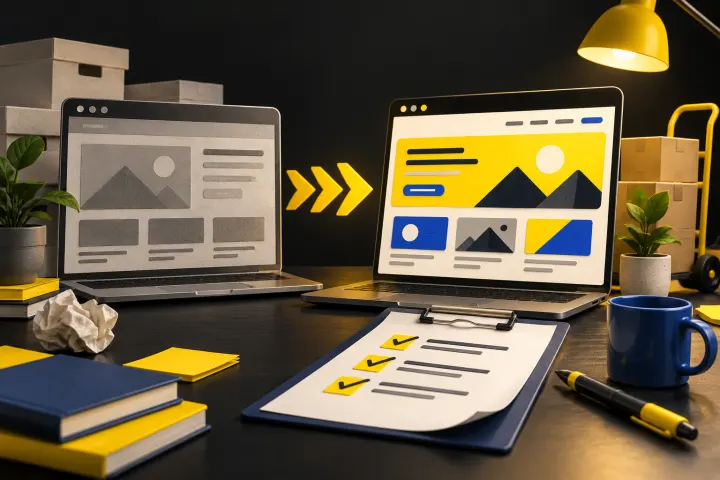
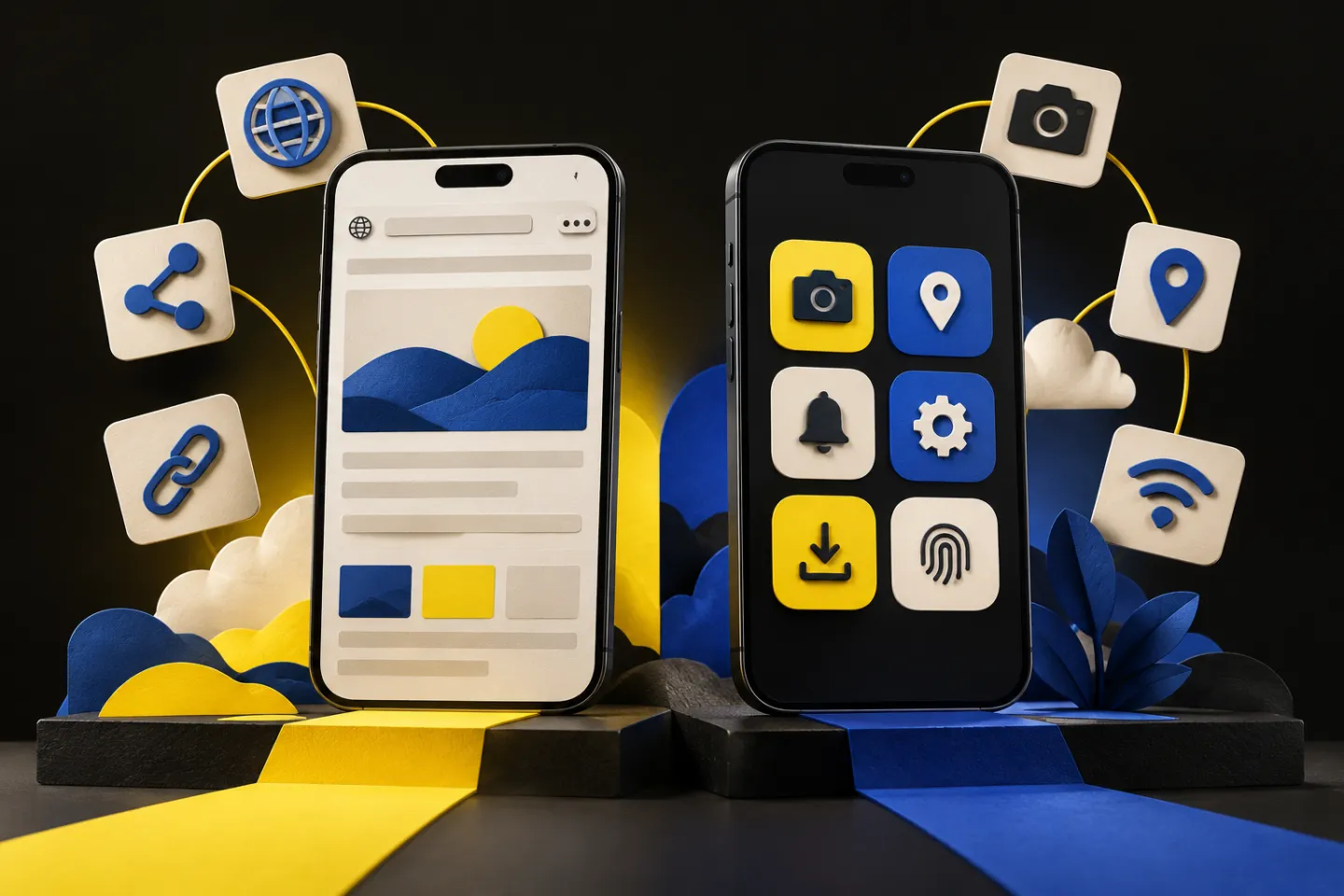
Choose a progressive web app when your customers need a useful experience through a web link and your required device capabilities work reliably in their browsers. Choose a native app when important tasks depend on deeper operating-system integration, specialised hardware or a level of background behaviour the web cannot reliably provide. Neither option is automatically cheaper, faster or better for every business. The decision starts with the customer task, target devices, acquisition channel and your ability to maintain the product. This PWA vs native app guide gives you a practical comparison, a test scenario and a checklist for deciding what to build before committing to a technology.
What a progressive web app actually adds
A PWA is a web application designed to offer capabilities such as installation and resilient loading when the necessary browser features are available. Service workers can help manage caching and offline behaviour, but offline usefulness still needs to be designed around the actual task.
For example, showing a cached catalogue is different from submitting a stock-changing order without a connection. The second needs synchronisation, conflict handling and user feedback. Google's Learn PWA material is a practical reference for the underlying concepts. Do not assume an install prompt means the application already supports every phone feature.
When native development earns its extra responsibilities
A native application is built for a platform and distributed through its supported channels. It can be a better fit when your product depends on device-specific capabilities, complex media processing or close integration with the operating system. Exact capabilities and permission rules still vary.
Native does not remove product work. You still need authentication, error states, backend services, accessibility, analytics and customer support. Store submission, release coordination and multiple supported devices also affect the maintenance plan. Ask whether the team can operate the product after launch, not just produce an impressive prototype.
Compare the first visit and the repeat visit separately
A customer discovering a service through search may prefer opening a link and completing a task immediately. A frequent user of a specialist tool may accept installing an app because it saves time repeatedly. The product's value and frequency matter more than whether an app sounds prestigious.
Consider a hypothetical salon booking product. An initial web booking flow may serve new visitors well. Staff handling appointments all day may benefit from a dedicated application if it solves confirmed workflow needs. That is a product hypothesis, not a claim about a real client. Interview both user groups before making one interface serve everyone.
Run a capability test before the full build
List the three tasks that would make the product fail if they did not work: notifications, camera capture, offline entry, payments or another required capability. Build a small test for those tasks on the devices your users actually have. Check permissions, poor connectivity and recovery after closing the application.
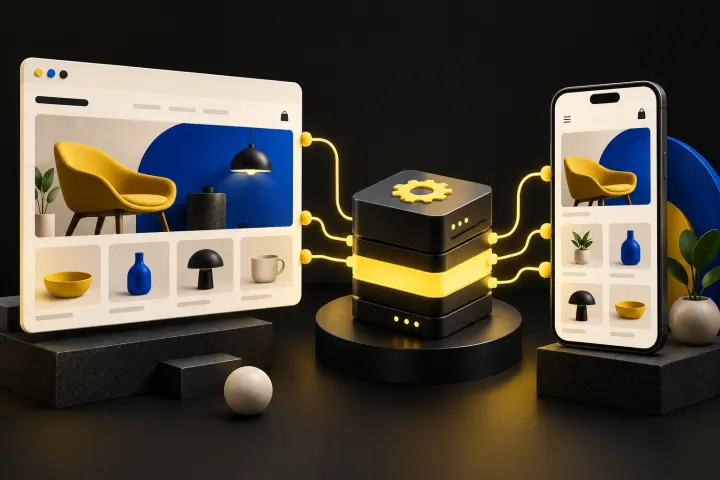
Then compare the ownership cost over a realistic operating period. Include frontend work, backend work, releases, testing and support. Our website development team can help scope the web side of that decision. If commerce is involved, headless commerce explains how multiple frontends can share an underlying commerce system.
A practical comparison
| Requirement | PWA starting point | Native starting point |
|---|---|---|
| Search or shared-link discovery | Usually a natural fit | Often needs a supporting website |
| Device integration | Test browser support first | Test platform APIs and permissions |
| Offline transactions | Design caching and sync explicitly | Design local state and sync explicitly |
| Maintenance | Browser and web release coverage | Platform releases and device coverage |
Common mistakes and your next steps
Avoid these mistakes
- Choosing an app because competitors have one without identifying the customer task.
- Assuming offline support is automatic.
- Treating a responsive website and a robust PWA as identical deliverables.
Your action checklist
- Write the core customer task.
- List target devices and required permissions.
- Test essential capabilities under poor connectivity.
- Compare first-time and repeat-user journeys.
- Budget product operations and maintenance.
Frequently asked questions
Can a PWA work offline?
It can support selected offline tasks if caching, storage and synchronisation are deliberately implemented. Not every task can safely run without a connection.
Is a PWA always cheaper than native?
No. Complex offline workflows, integrations and testing can make either option substantial. Compare the same requirements rather than generic price claims.
Can I launch a website before a native app?
Yes. A web product can validate demand and workflows first, provided it meets the current user need and the later integration approach is planned.
What to do next
Choose the smallest maintainable product that performs the customer's essential task reliably. A tested capability list is a stronger foundation than a preference for a particular technology label.
Have a project or a specific growth question? Talk it through with Outfox Social.
Discuss your web and mobile product